Yuzu Emulator PC Requirements: Minimum and Recommended Specs
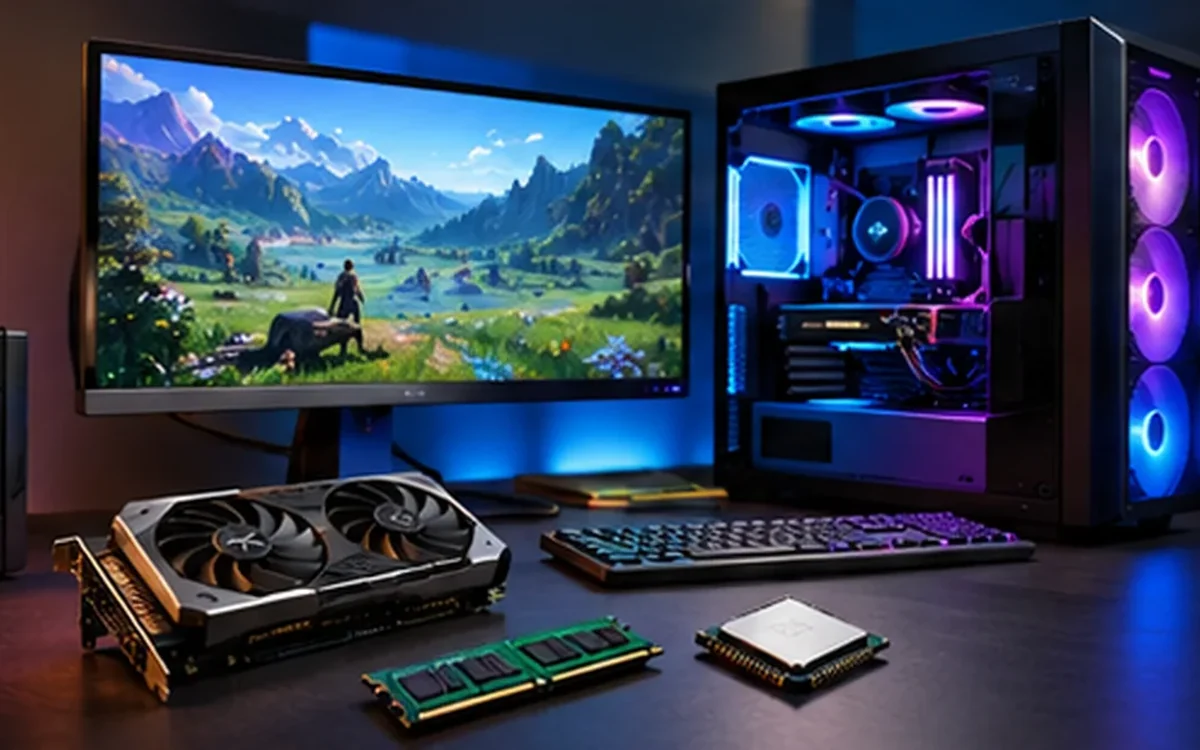
Yuzu Emulator PC requirements decide whether a game feels smooth or struggles at low frame rates. Switch emulation leans heavily on the processor and graphics card, so understanding each component helps you choose sensible settings and avoid unnecessary upgrades.
Minimum and Recommended Specs at a Glance
The figures below summarise the hardware guidance yuzu published before development ended. Demanding games can need more than the minimum, while lighter titles may run well on modest systems.
| Component | Minimum | Recommended |
|---|---|---|
| Operating system | Up-to-date 64-bit Windows 10, or Linux | Windows 10 or 11, or a current Linux distribution |
| CPU | Intel Core i5-4430 or AMD Ryzen 3 1200 | Intel Core i5-11400 or AMD Ryzen 5 3600 |
| GPU | GeForce GTX 1050 Ti 4 GB or Radeon RX 550 4 GB | GeForce GTX 1660 6 GB or Radeon RX 5500 8 GB |
| Graphics API | OpenGL 4.6 or Vulkan 1.1 | Vulkan with current drivers |
| RAM | 8 GB (12 GB with integrated graphics) | 16 GB |
Why the CPU Matters Most
The processor runs the translated game code, handles audio and manages the emulated system. Strong single-thread performance helps most, while extra cores assist with shader compilation and background tasks, so a CPU with six threads or more is a comfortable baseline.
Yuzu also relied on modern instruction sets such as FMA. Very old processors without these features either failed to run builds or performed poorly, which is why the minimum list starts with fourth-generation Intel and first-generation Ryzen chips.
Laptop Processors
Laptop CPUs share names with desktop parts but often run at lower power limits. Plugging in, choosing a high-performance power plan and keeping the cooling vents clear can make a noticeable difference during long play sessions.
Choosing a Graphics Card
The GPU renders the game and handles resolution scaling. A dedicated card with modern Vulkan drivers gives the most consistent results, while integrated graphics can run lighter games at native resolution with careful settings.
- NVIDIA cards worked well with both Vulkan and OpenGL in yuzu.
- AMD cards generally performed best with Vulkan.
- Intel integrated and Arc graphics benefited from the latest drivers.
- More video memory helps when scaling resolution above native.
How Much Memory You Need
The Switch has 4 GB of memory, and the emulator needs room for that plus its own data and the operating system. Eight gigabytes is the floor for systems with a dedicated GPU, while integrated graphics borrow system memory and therefore need more.
Some large games use more memory than others, and running browsers or recording software alongside the emulator adds pressure. Sixteen gigabytes gives comfortable headroom for most players.
Storage Considerations
Game dumps can be several gigabytes each, and shader caches grow as you play. An SSD shortens loading times and speeds up cache reads, although the emulator itself does not strictly require one.
Windows 10, Windows 11 and Linux
Yuzu supported up-to-date 64-bit Windows 10 and performed similarly on Windows 11. Older Windows 10 releases and earlier Windows versions were not supported, mainly because of graphics driver and runtime requirements.
Linux users could run official AppImage builds, and many found Vulkan performance strong with Mesa drivers on AMD hardware. Keeping the kernel, drivers and Mesa reasonably current avoided many rendering issues.
Matching Expectations to Hardware
Meeting the minimum specification means many games will start and run, not that every game hits full speed. Demanding open-world titles push CPUs hard, while smaller games can run smoothly on modest hardware.
- Check the game's known issues before tuning settings.
- Start at native resolution and raise scaling only after testing.
- Allow shader caches to build before judging performance.
- Close heavy background apps while playing.
Upgrade Priorities for Better Performance
If your system falls short, upgrade the part that limits you most. Watching CPU and GPU usage while a game runs shows where the bottleneck sits, so you spend money where it actually helps.
| Symptom | Likely limit | Sensible step |
|---|---|---|
| Low speed at any resolution | CPU | Faster CPU with strong single-thread speed |
| Speed drops only when scaling up | GPU | Stronger GPU or lower scaling |
| Hitches and swapping in large games | Memory | Move to 16 GB RAM |
| Long loading screens | Storage | Store games on an SSD |
Drivers Before Hardware
Before buying anything, install the latest graphics driver from your GPU vendor and update Windows or your Linux packages. Driver releases frequently include Vulkan fixes that improve stability and frame pacing in emulators.
Check that the game uses your dedicated GPU rather than integrated graphics on laptops with both. Windows graphics settings let you assign the emulator to the high-performance GPU.
Handheld PCs and Mini PCs
Handheld gaming PCs and compact mini PCs became popular choices for emulation. Their mobile processors and integrated graphics can run many lighter Switch games, especially at native resolution with Vulkan and handheld mode enabled.
Power limits matter on these devices. Higher wattage modes improve performance but shorten battery life and raise temperatures, so test each game at a couple of power levels to find a comfortable balance. Keeping the device plugged in during long sessions also prevents sudden slowdowns when the battery drops.
Frequently Asked Questions
Can yuzu run on a laptop with integrated graphics?
Lighter games often run at native resolution, especially on recent integrated graphics. Expect lower performance in demanding titles and allow 12 GB or more RAM.
Is Windows 7 supported?
No. Yuzu required an up-to-date 64-bit Windows 10 or newer.
Do I need a powerful GPU for 1080p?
A mid-range card such as a GTX 1660 handles 2x scaling in many games, though results vary by title and renderer.
Why does my fast PC still stutter?
Early stutter usually comes from shader compilation rather than weak hardware. It eases as the shader cache fills.
Conclusion
Yuzu Emulator PC requirements centre on a capable CPU, a Vulkan-ready GPU and enough memory for the game and the operating system. The recommended specs give a smooth experience in most titles.
Match your settings to your hardware, keep drivers current and judge performance after the shader cache builds rather than during the first few minutes.
 Is a Yuzu Emulator Download PC Uptodown Listing Safe?
 Best Yuzu Emulator Settings for Smooth Performance