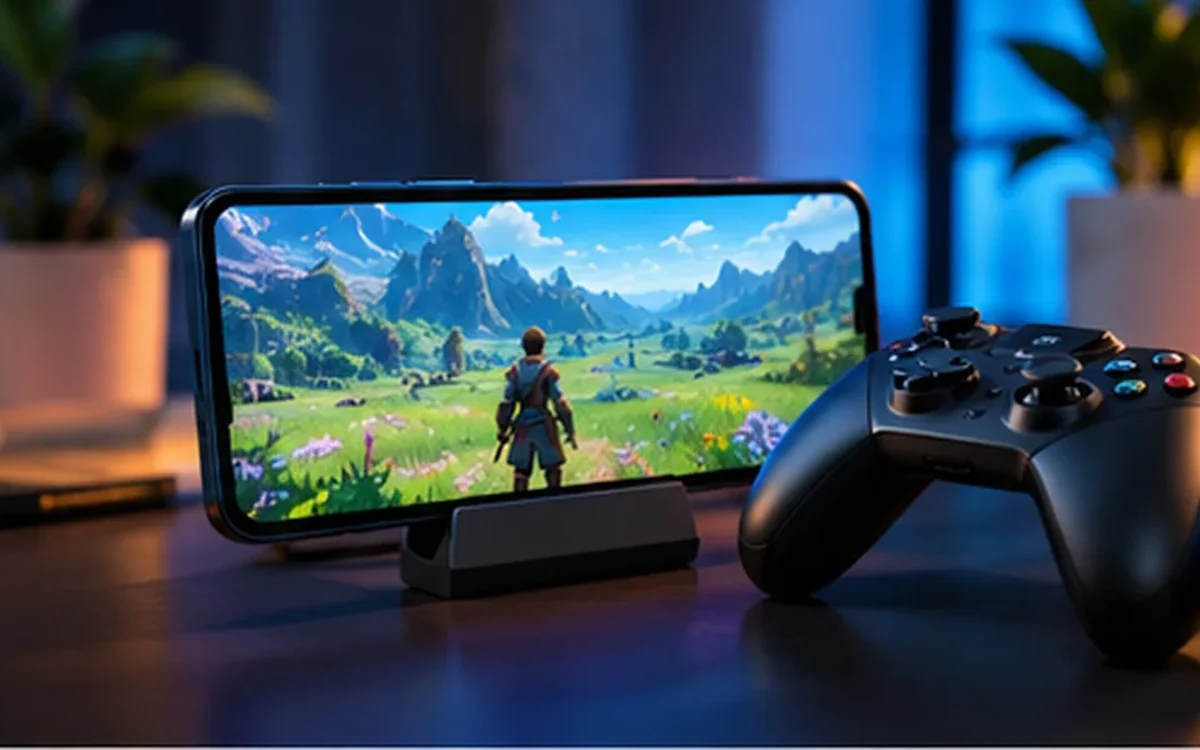
Yuzu Emulator APK: What Android Users Need to Know
Yuzu Emulator APK searches grew quickly after the Android version disappeared from Google Play. Many websites now advertise new or modified APK files, so understanding where the app came from and what changed in 2024 helps you avoid fake downloads and wasted time.
A Short History of Yuzu on Android
The yuzu team released its Android version in May 2023, bringing the same emulation core used on Windows and Linux to phones and tablets. It was published on Google Play, with a free edition and a paid Early Access edition that included newer changes.
After the March 2024 settlement with Nintendo, development stopped and the app was removed from Google Play. Installed copies kept working offline, but no further official APK files were published, and no official updates have appeared since.
What the Android Version Offered
- A touch-friendly interface with on-screen controls and gamepad support.
- Vulkan rendering tuned for Adreno GPUs found in Snapdragon chipsets.
- Resolution scaling, frame limits and other performance options.
- Support for installing keys, updates and DLC from local storage.
Device Requirements for the Android App
At launch, the developers named a Snapdragon 865 with 8 GB of RAM as the baseline, along with Android 11 or newer. Phones with Snapdragon 8 Gen 1 or newer chips and Adreno 700 series GPUs gave the best results.
| Component | Baseline | Better experience |
|---|---|---|
| Android version | Android 11 | Recent Android release |
| Chipset | Snapdragon 865 | Snapdragon 8 Gen 1 or newer |
| Memory | 8 GB RAM | 12 GB RAM or more |
| GPU | Adreno GPU | Adreno 700 series |
Devices with Exynos, Tensor or MediaTek chips had weaker driver support at the time, and many games ran poorly or not at all on them.
The Risks of Random APK Downloads
An APK is an installable Android package, and once installed it can request permissions to storage, network access and more. Files labelled as yuzu on unknown websites may be outdated copies, repackaged builds with adverts, or malware wearing a familiar icon.
Claims of a "2026 official yuzu APK" deserve particular suspicion. The yuzu team stopped releasing software in 2024, so any file presented as a new official build is mislabelled at best.
Warning Signs on APK Sites
- Version numbers or release dates that appear after March 2024 under the yuzu name.
- Download buttons that redirect through several advert pages.
- Requests to install a separate downloader app first.
- Permission requests that make no sense for an emulator, such as SMS or contacts.
- Promises of bundled games, keys or firmware.
How to Check an APK Before Installing
Android shows the permissions an app requests during installation, and you can review them afterwards in system settings. An emulator needs storage access for game files and possibly network access, but it has no reason to read messages or call logs.
Scanning the file with a reputable malware scanner adds another layer of protection, and Google Play Protect may also warn you about known threats. If anything feels wrong, delete the file rather than installing it.
Sideloading Settings
Installing an APK outside Google Play requires allowing installs from a specific source, such as your browser or file manager. Turn that permission off again once you finish, so other apps cannot install packages silently later.
Alternatives Built From Yuzu Code
Several open-source projects continued from yuzu's public code, and some of them publish Android builds on their own pages. These are separate projects with their own names and maintainers, not yuzu updates.
If you decide to try one, download it only from the project's own repository or official page, read its device requirements and keep expectations realistic, because Switch emulation on phones remains demanding.
Managing Storage and Game Files on Android
Switch game dumps are large, and phones fill up quickly. The Android app asked you to choose a folder for games, so placing that folder on internal storage usually gave faster loading than slower external cards.
Shader caches and save data also live in the app's data area. Uninstalling the app can remove them, so export saves first if your build offered that option, or copy the user folder with a file manager that can reach it.
Controllers and Comfort on Phones
- Bluetooth gamepads remove the need for on-screen buttons that cover the image.
- Clip-on controllers turn a phone into a handheld closer to the Switch layout.
- On-screen controls can be resized and repositioned in the overlay settings.
- Long sessions heat phones, so a cooler or lower resolution helps keep speeds stable.
Battery and Thermal Limits
Emulation keeps the CPU and GPU busy, and phones reduce clock speeds when they get hot. Lowering the resolution scale, capping the frame rate and removing thick cases all help keep performance consistent through longer play sessions.
Moving From an Old Install to a New Phone
Players upgrading phones often want to carry their setup across. Copy your game folder, keys and any exported saves to the new device, then point the app or a compatible fork at the same folders during setup.
Shader caches built on one GPU are not useful on another, so expect some stutter again on the new phone. That is normal and fades as you play.
Frequently Asked Questions
Can I still install yuzu from Google Play?
No. The listing was removed in March 2024. Devices that installed it earlier may still have the app, but it receives no updates.
Does the yuzu APK work on every Android phone?
No. It targeted Snapdragon chipsets with Adreno GPUs and Android 11 or newer, and performance depends heavily on the chipset.
Is a modded yuzu APK safer or faster?
Modified APKs from unknown sources cannot be verified and may contain unwanted code. Speed claims are rarely backed by any evidence.
Do I still need keys on Android?
Yes. The Android app required keys dumped from your own Switch, just like the desktop version.
Conclusion
Yuzu Emulator APK files belong to a project that ended in March 2024, so no genuine new versions exist. Older copies may still run on capable Snapdragon phones, but every unofficial download carries risk.
Check permissions, scan files, avoid sites that promise new official builds and use only your own legally obtained games and keys.
 How to Set Up Yuzu Emulator Firmware and Keys Legally?
 Is There a Yuzu Emulator for iOS?